
Back to Super Dodo Terminal for the full SDT overview.
New here? Work through Getting Started first - especially recommended file organization (separate folders per console). That habit makes this tool much safer and easier.
 ) to access this tool.
What It Does
Island Migrator merges a treasure island onto a base save that already works on your Switch.
Recommended file organization
Use something simple like 1, 2, 3. Masking tape on the back works perfectly.
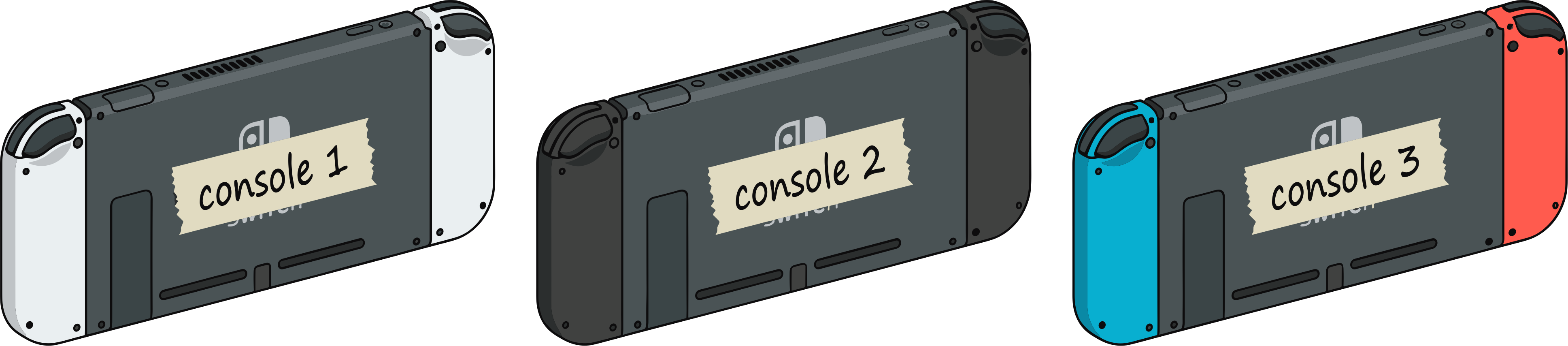
Example: Console 1, Console 2, Console 3
Optional: use these icons to visually separate them.
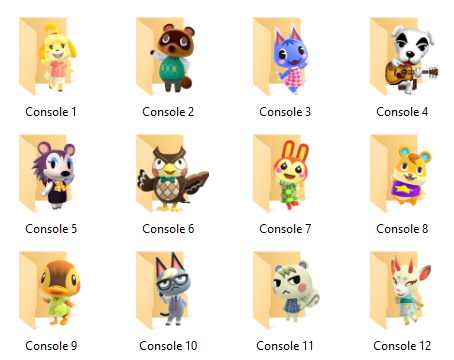
Use clear names like:
5 - Base SaveGarden5Clothes5Materials5
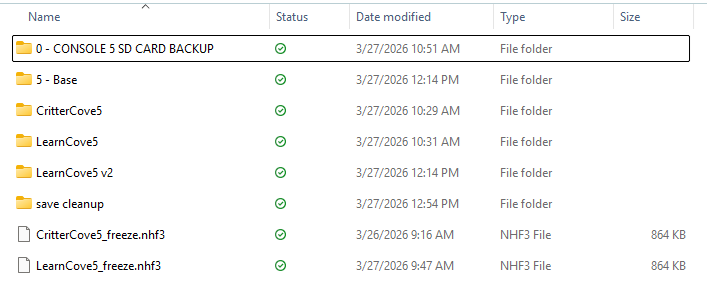
A base save is any save that can successfully open the airport gates without an error code.
- Even a ready-to-use Treasure Island can be used as a base
- Make a copy and rename it to "# - Base"
- This gives you a safe starting point for migrations
Safety First
One-Time Setup: Base Save (Per Console)
Do this once per Switch you want to migrate onto. If you already have a save on that console that opens the airport and flies without errors, use a JKSV dump of that as your base and skip to Using the Tool.
Using the Tool
Work on the Migrate tab.
main.dat and Villager0\personal.dat).
main.dat; Villager0\personal.dat should be present for full player data - if personal files are missing, the tool logs a warning and skips player import).
- Full Critterpedia
- All 40 pocket slots
- Sable friendship (max) - custom fabric at the sewing machine only works if Able Sisters is built on the island.
- All 200 custom design slots
- All DIY recipes
- Island Designer (all permits)
...\YourOutputName\ inside it). If that folder already exists, you’ll be asked to overwrite.After Merge
What's Next
- Super Dodo Terminal - Main window, profiles, gates, map tools
- Profiles & Switch IPs - Label Switches to match your save folders
- Getting Started - JKSV, organization, first island
- SDT General Settings - App-wide options
Technical details (click to expand)
Dependencies
Merge logic uses NHSE (NHSE.Core, etc.) from the app folder. If migration fails with a missing-DLL style error, ensure NHSE.Core.dll (and related NHSE assemblies your build ships with) sit next to the running app, or run from the correct bin output after a successful build.
What stays from the base
The base directory is copied to the output first, then selected regions from the treasure main.dat / personal.dat overwrite the merged data. Murmur3 hashes are recomputed for touched regions and the save is re-encrypted (AES-CTR with a fresh seed) automatically.
Identity handling
After copying identity-related blocks from the treasure personal.dat, the tool search-and-replaces the base save’s town and player identity bytes throughout main.dat and personal.dat with the treasure island’s identity (same general approach as NHSE’s ChangeIdentity()).
Regions copied from treasure main.dat (always)
- Villagers (10 NPCs), custom designs (normal + PRO + flag + tailor), field items, terrain, buildings, acres, design map, villager houses, island event flags
Regions copied from treasure Villager0\personal.dat (when present)
- LookPack (appearance / outfit), GSavePlayerId, player event flags
Other files
landname.dat- copied in full from the treasure folder.
Optional unlocks (summary)
- Critterpedia - ItemCollectBit region in
personal.dat - 40 pockets - event flags + pocket/bag counts in
personal.dat - Sable - EventFlagPlayer entries
- 200 design slots - event flags + pattern edit bytes in
main.dat - All DIY recipes - recipe bit block in
personal.dat - Island Designer - EventFlagLand + EventFlagPlayer combinations
Exact offsets and IDs match Island Migrator → Technical Details in the app and Core/SaveMerger.cs in the Super Dodo Terminal source.
